Short-form clips
Strong moments, reframed for vertical video and finished with readable captions.
For creators and small media teams
Press turns videos, podcasts, interviews, and events into editable transcripts and ready-to-use clips—while you keep the final say.
Sign in with Google. Nothing publishes without your approval.
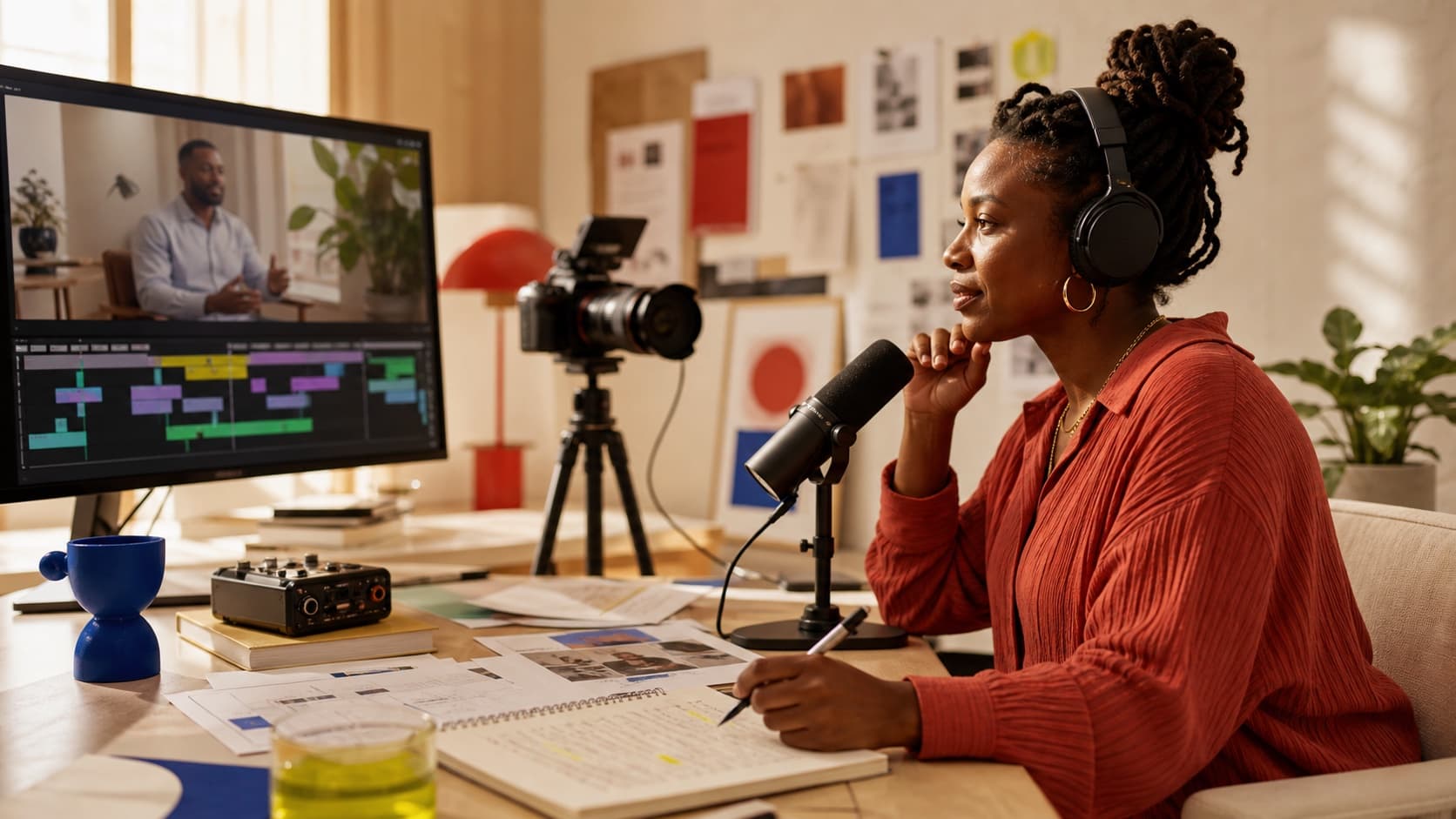
One source in
A complete content pack out
Your next campaign may already be recorded.
What you get
Find the ideas worth sharing, shape them for different formats, and keep every draft connected to the original recording so review stays grounded.
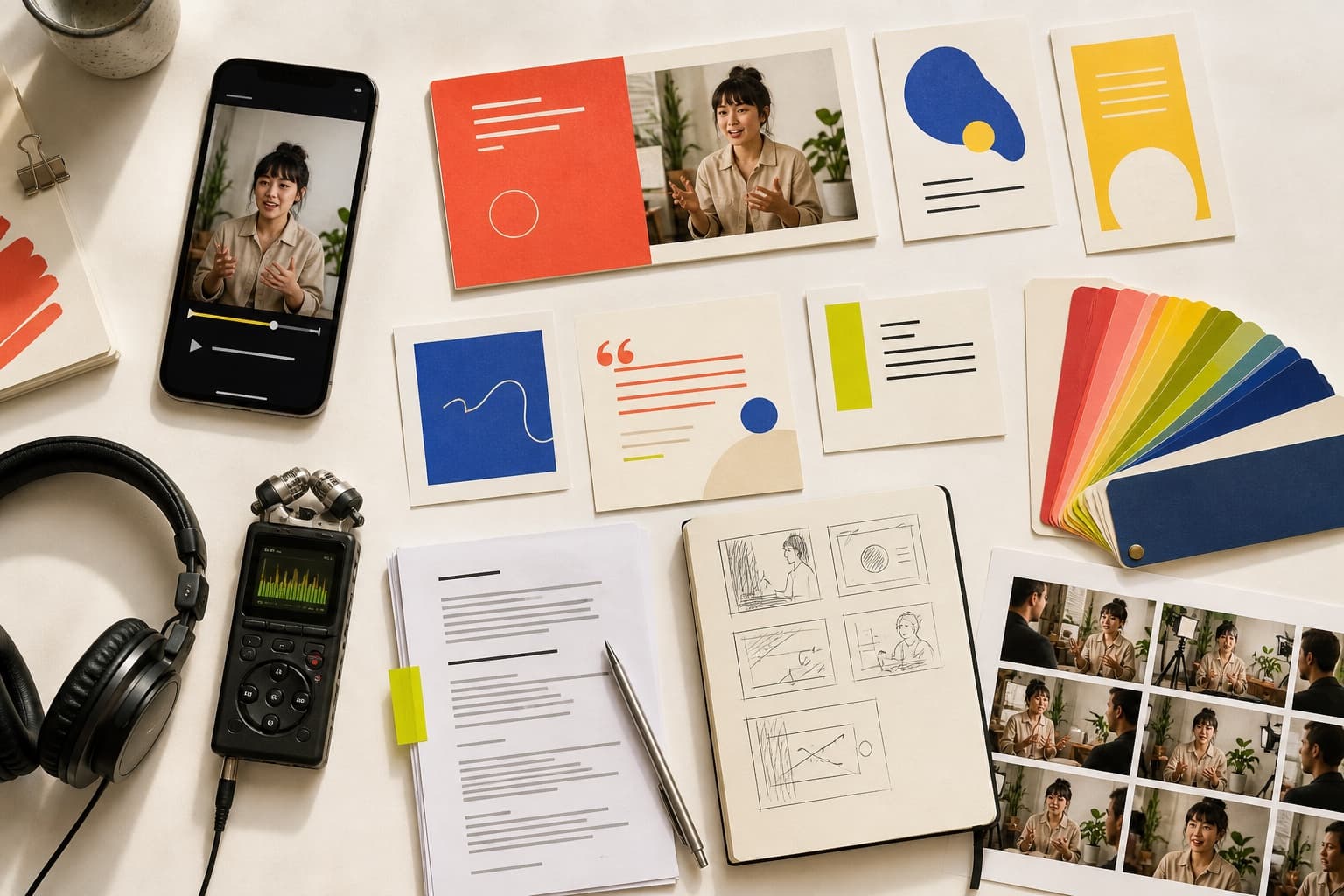
Strong moments, reframed for vertical video and finished with readable captions.
Clear starting points for each clip, grounded in what was actually said in the recording.
Approved clips rendered for vertical, square, or landscape use with readable captions.
Review the full recording, correct the text, and jump to the moments worth keeping.
A Press content pack
Press gives the work structure without hiding where it came from. This example shows one interview becoming reviewed drafts across several formats.
Your source
Founder interview
Video · 48 minutes
Strong moments, reframed and captioned
Hooks grounded in the recording
Vertical, square, and landscape
You stay in control
Review every draft. Nothing publishes until you approve it.
Made for meaningful media
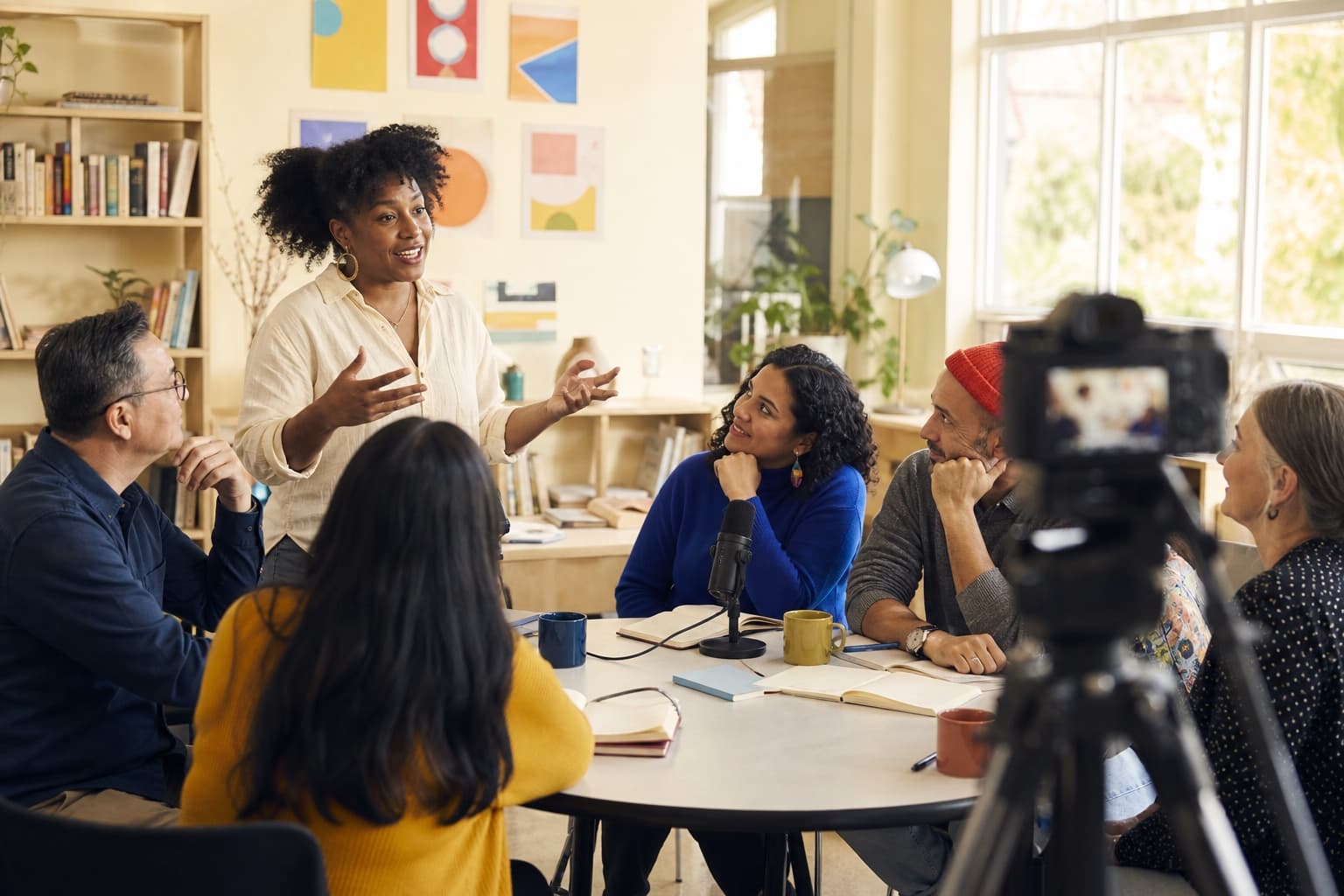
Press is for people with something worth saying and more source material than time: podcasters, founders, educators, nonprofits, and small creative teams.
How it works
Step 01
Choose a video, podcast, interview, class, or event recording you want to put back to work.
Step 02
Set the number, length, format, and purpose of the clips you want Press to find.
Step 03
Edit every draft, approve only what feels right, then download it or add a publishing tool later.
You stay in control
Add a source when you are ready. It does not spend the day searching your folders.
See where an idea came from and review it in context before using it.
Create and export without connecting a social account. Scheduling tools stay optional.
Press Studio
Open the studio and start with one recording. If you want help shaping your first workflow, guided access is still available.